Site Doctor (website health check)
Site Doctor — a health check for your website
We check your website from the outside for free and report back. The quick self-check and the monthly plans with a report are on the Site Doctor page (in Japanese).
See the Site Doctor page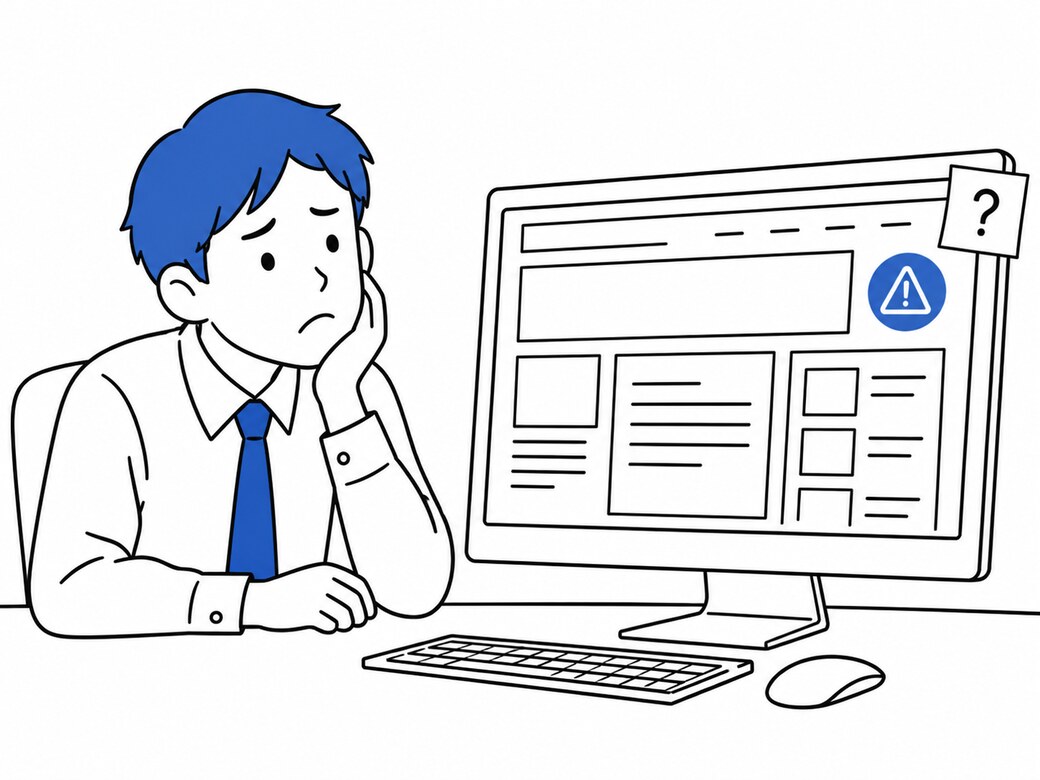
You have heard of PHP. You have never checked which one your site runs.

Still on the settings it was built with, possibly on an old version.

The builder is out of reach, and you are not sure who hosts it.
On 21 October 2026, an urgent PHP fix was released
PHP is what many websites, WordPress included, run on.
A flaw that could let outsiders take over a server was found, and fixes were released for 8.2 to 8.5. Nothing has been released for 8.1 or older.

Shall we check how secure your site and systems are now
Break-ins and data leaks are rising every year.
It is not only large companies that are targeted. The longer a site goes untouched, the easier it is to get into.
With Site Doctor, we find the holes before anyone attacks them, close them, and keep guarding.
Before anyone attacks, we look for the holes that are easy to exploit from outside.
We list what we find by urgency and close the holes in that order.
Checks carry on as part of a monthly plan, so new weaknesses are caught too.
What we check
* This check does not stop every break-in or leak. It closes the known holes first and limits the damage if something does happen.
* It is not a professional penetration test that tries attacks to find weaknesses. We only check the sites and systems you ask us to, without taking anything offline.
In WordPress, go to Tools → Site Health → Info → Server.
* More detail in our column (Japanese): the urgent PHP fix.
We always take a backup first, and the site is in maintenance mode while we work.
Files and database, taken before anything else.
A “back soon” page is shown while we work.
PHP is moved to 8.3 or 8.4.
Main pages, the admin screen, and a real contact form submission.
We switch back on the spot so the site is as it was, and report what we found.
What we did, the version now, and anything we noticed.
* Fixing parts that stop working on the new version is not included. We quote it and agree it with you first.
Access to the hosting control panel and to the site files (FTP or similar), plus a WordPress admin account if applicable.
Anything that breaks because of the upgrade is priced and agreed before we fix it.
We agree the time in advance. The contact form is paused during that window.
We confirm the site and domain belong to you when you sign up.
* We never take login details in the body of an email. We will show you a safe way to pass them on.
While we work, visitors see a “back soon” page.
It tells search engines the pause is temporary, so rankings are barely affected.
We work at quiet times. If all goes well, the site is back in an hour or two. If it looks like taking longer, we roll back and pick another day.
The builder is out of reach and you are not sure who hosts the site. We can start by finding out, for an extra fee.
* We never break in to recover access. Everything goes through the host’s official process.
* Sometimes access cannot be recovered, for example when the account is in the old builder’s name. We explain beforehand how the fee works in that case.
* Prices as of October 2026. Depending on how the site is built, we may talk it through before quoting.
* When the whole server is old, a fresh start with SANDBOX (11,000 yen a month) can cost less.
Get in touch
The web address is enough, even if you do not know the version.
Status check (free)
We check the version, the setup and the backups, and report back.
Agree time and price
We agree when to work and how the access details are passed on.
Upgrade in maintenance mode
Backup, switch the version, check it works.
Report and next steps
What we did, and how to be ready for the next deadline.
* The order can change depending on what is involved.
Not a one-off
Every PHP version has an end date. 8.3 stops getting fixes at the end of 2027, 8.4 at the end of 2028.
With a Site Doctor monthly plan, we move you up before each deadline, keep up the routine updates and checks, and send you a monthly report. When a similar flaw is reported, we act on it quickly and tell you what we did.
Start by checking the version.
Start by sending us the web address. The status check is free.
Contact usUsually it keeps working. Old plug-ins, themes or custom code added by the builder sometimes do not.
If that happens, we roll back on the spot and talk through what needs fixing and what it costs.
An hour or two if all goes well, at a quiet time, in maintenance mode.
If it looks like taking longer, we roll back and pick another day.
Because nobody knows how much needs fixing until the version is switched. We tell you the price first and only go ahead once you agree.
We can start from scratch for an extra fee: find out who hosts the site and guide the recovery with you.
If you are on 8.2 to 8.5, your host applies the fix. If the site is set to 8.1 or older, the fix never reaches it. Choosing the version is up to the site owner.
Yes, as long as the site and domain are yours.
It deals with this flaw. The CMS and plug-ins still need updating, and the next deadline will come. If you want that taken care of, have a look at the Site Doctor monthly plans.
“Is this even possible?” is a perfectly good question to start with.
Proposals and estimates are free of charge.